
WARISII / Product
A shared inbox. A more connected team.
Keep customer conversations accessible to the people who need them, without passing one owner’s login around.
Find the conversation
Search the contact list and open a customer’s message history. Review the context before you reply.
Give each person their own access
Owners can add team members and choose their roles. Owner, manager and agent permissions control which parts of the workspace they can use. Team size depends on the plan.
Reply within the right rules
Use the inbox for customer support and approved templates where required. WhatsApp’s customer service window and messaging rules still apply.
See the actual Warisii inbox
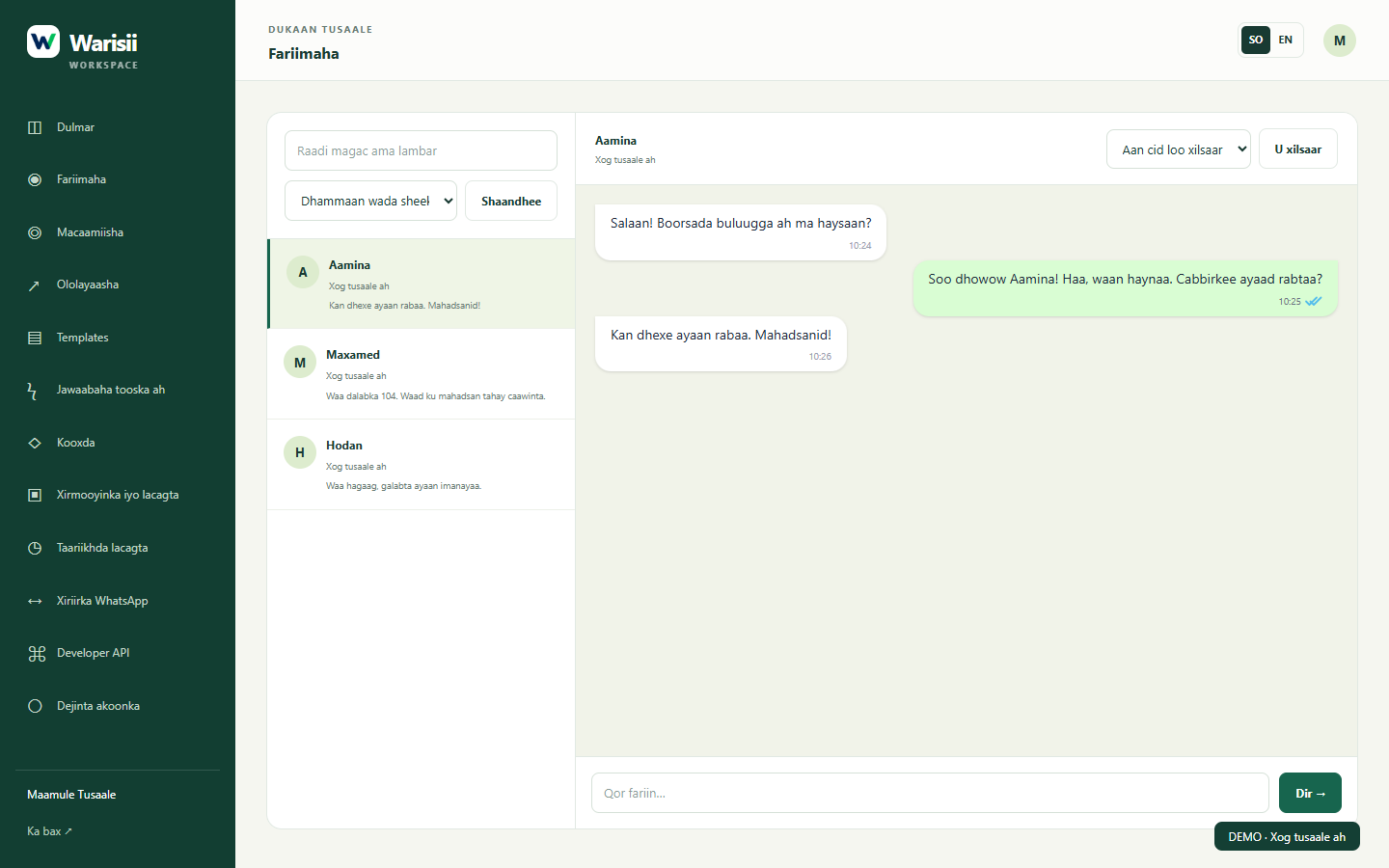
Your team’s shared inbox
Inbox 3
Example Store
Warisii CRM
A
AminaCustomer conversation
M
MohamedCustomer conversation
H
HodanCustomer conversation
Your reply starts here…
Choose a conversation to see an example. This preview does not send messages.
WARISII CRM
Make room for better conversations.
See how Warisii fits your team’s day. Start with an account or ask us for a walkthrough.
Chat with us on WhatsApp ↗